For Mac, Windows and Linux
Bring any windowfrom your other computer.
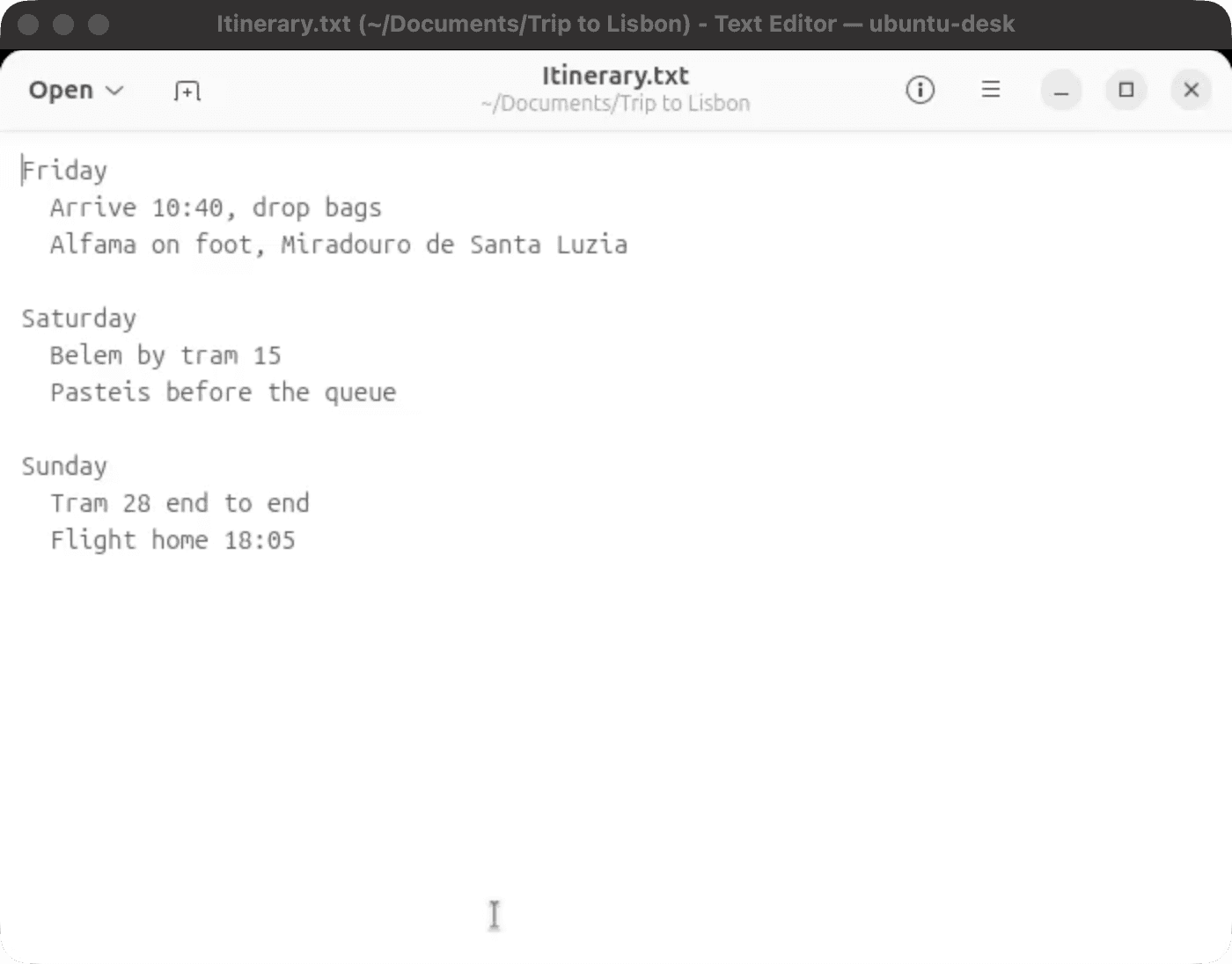
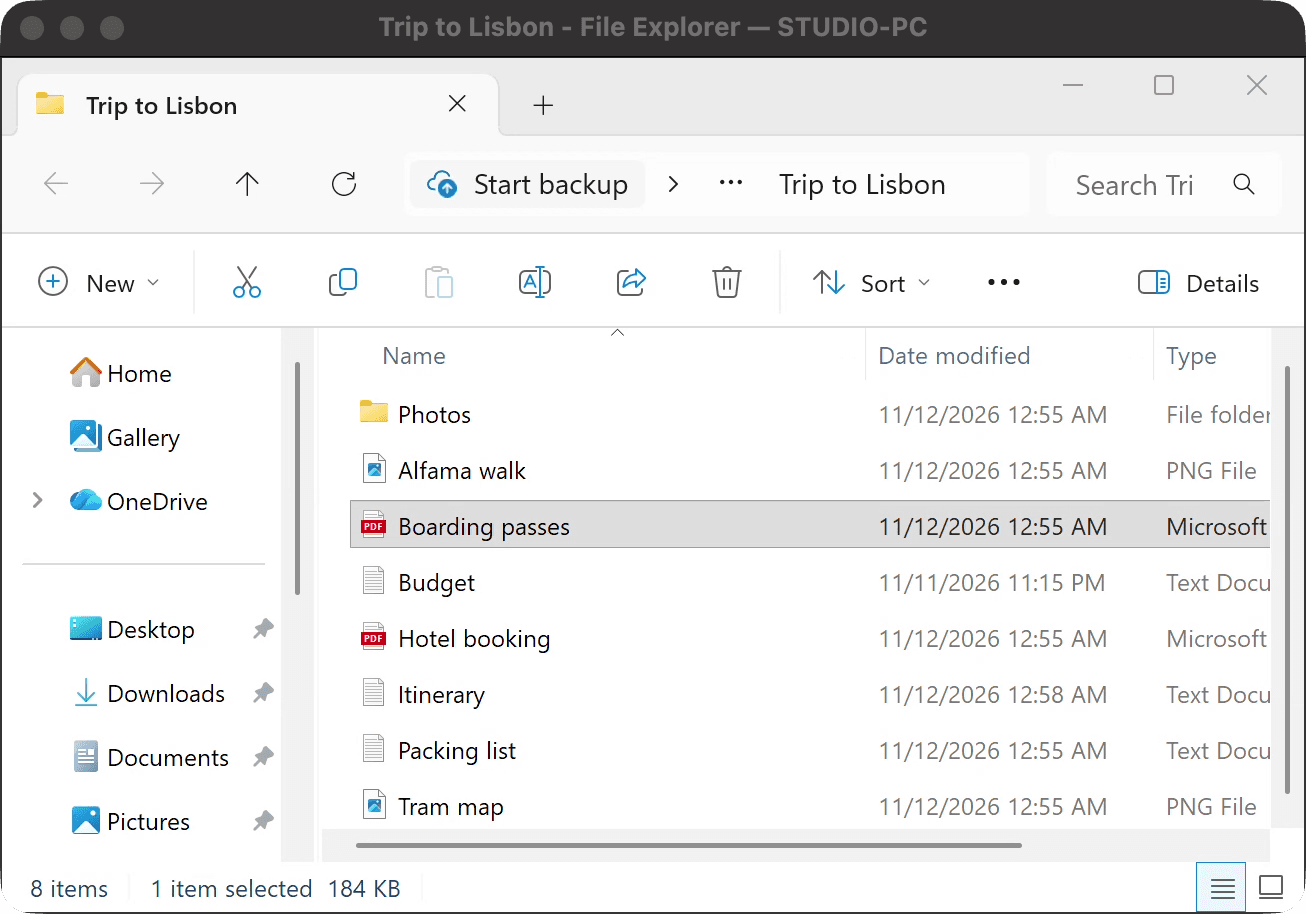
The app keeps running there. Its window opens here, beside your own apps.
Put Hither on each computer and sign in with the same email. Free for 14 days, then 30 minutes a day, free.
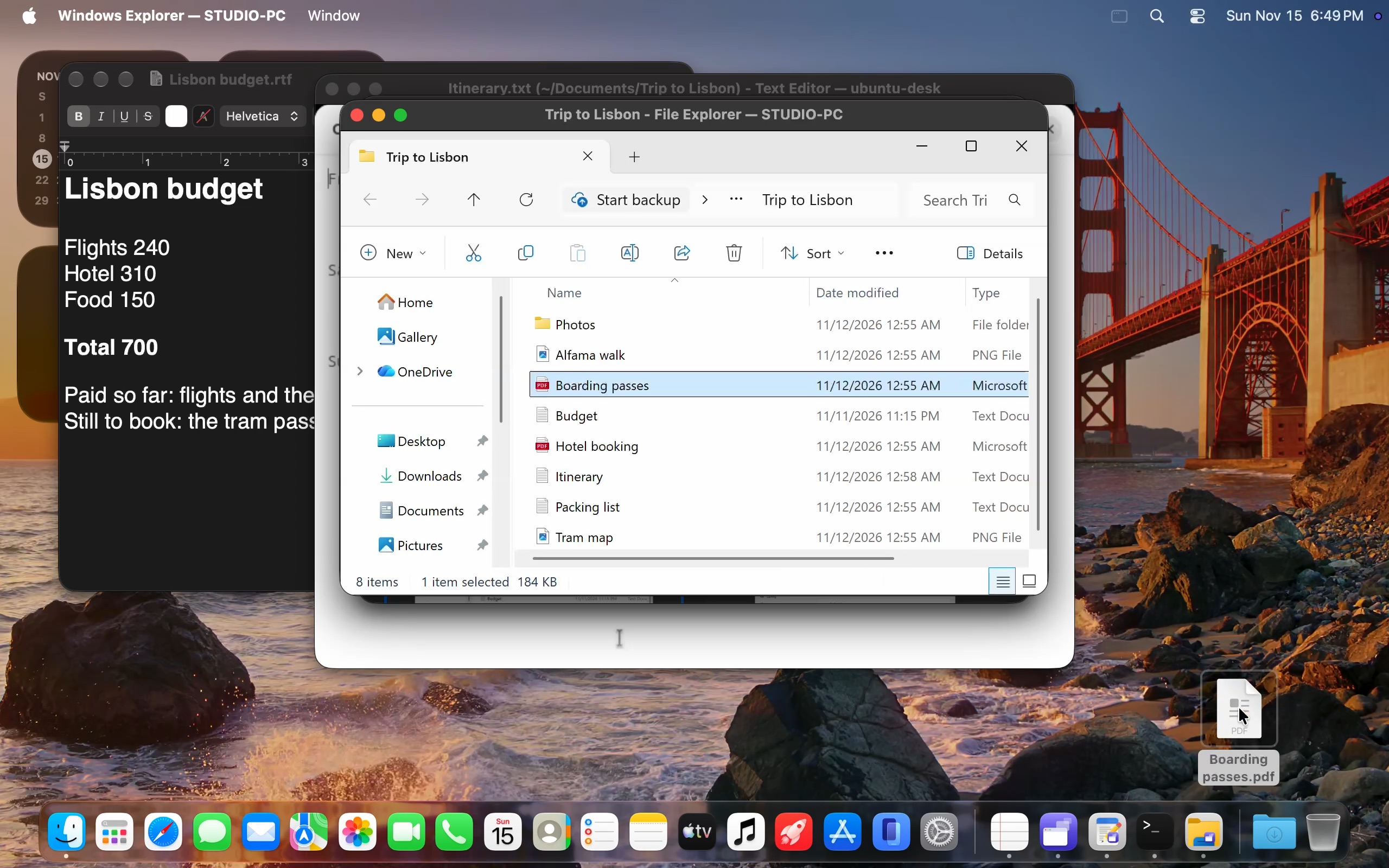
Running on your PC.
Open on your Mac.
No copy of Windows on your Mac, and no virtual machine. The app keeps running on the computer it’s already on, and the window’s title says which one.
Not the whole screen.
Remote-desktop tools show you the whole screen: taskbar, wallpaper, every window. Hither brings just the one you need.
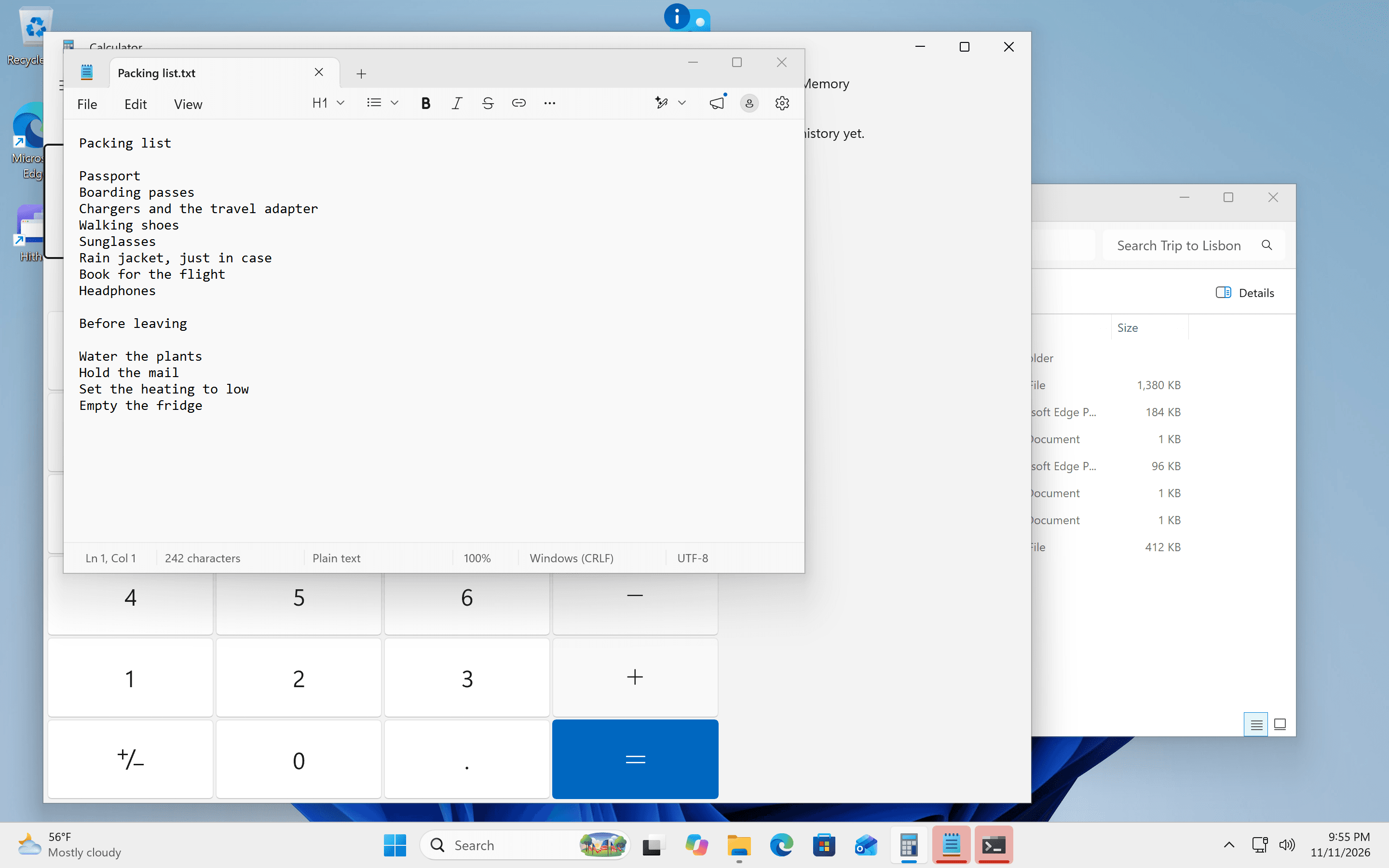
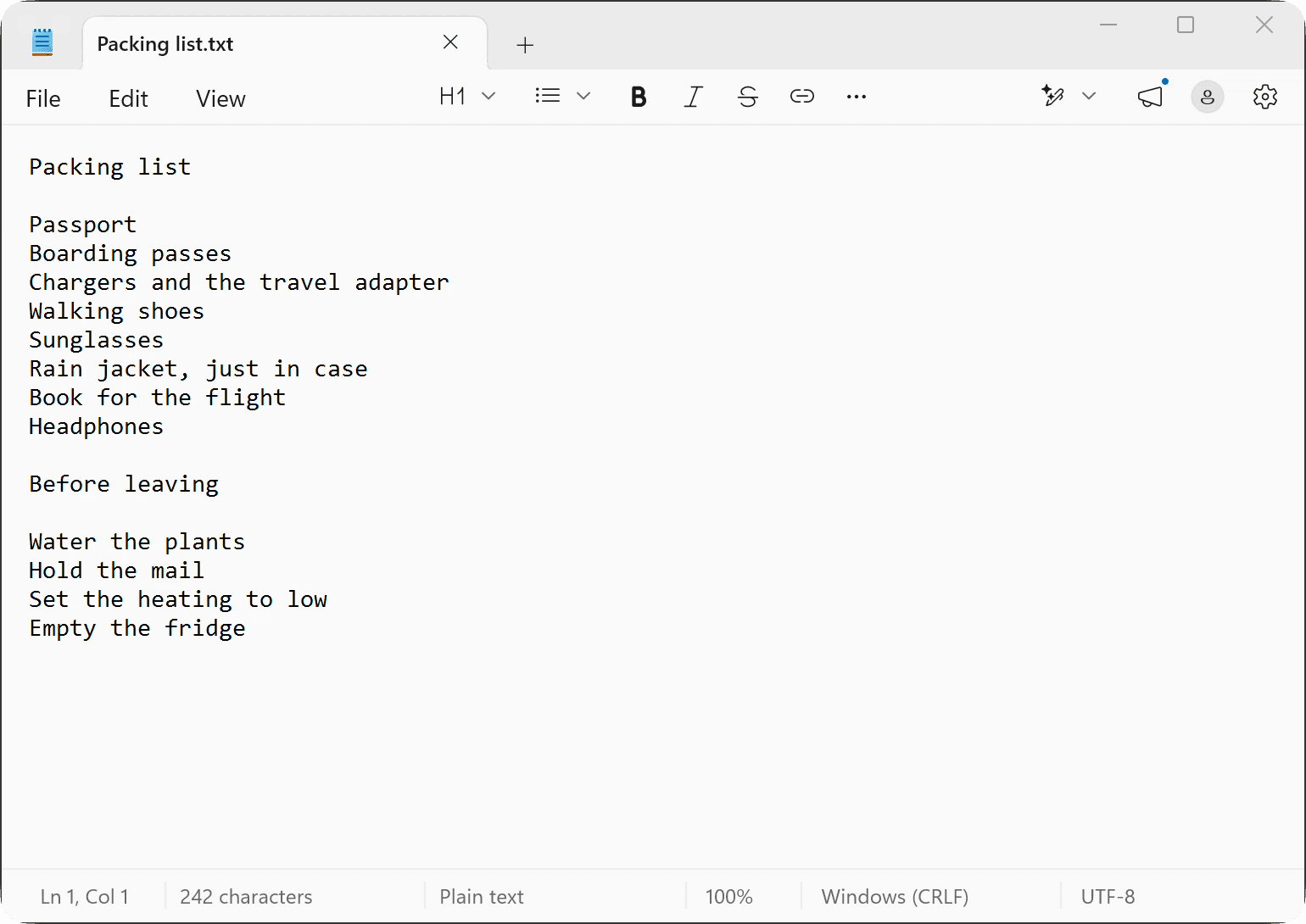
Everything comes with the window.
Sound
What the app plays, you hear here.
Keyboard and mouse
Type and click as usual. Your shortcuts still work.
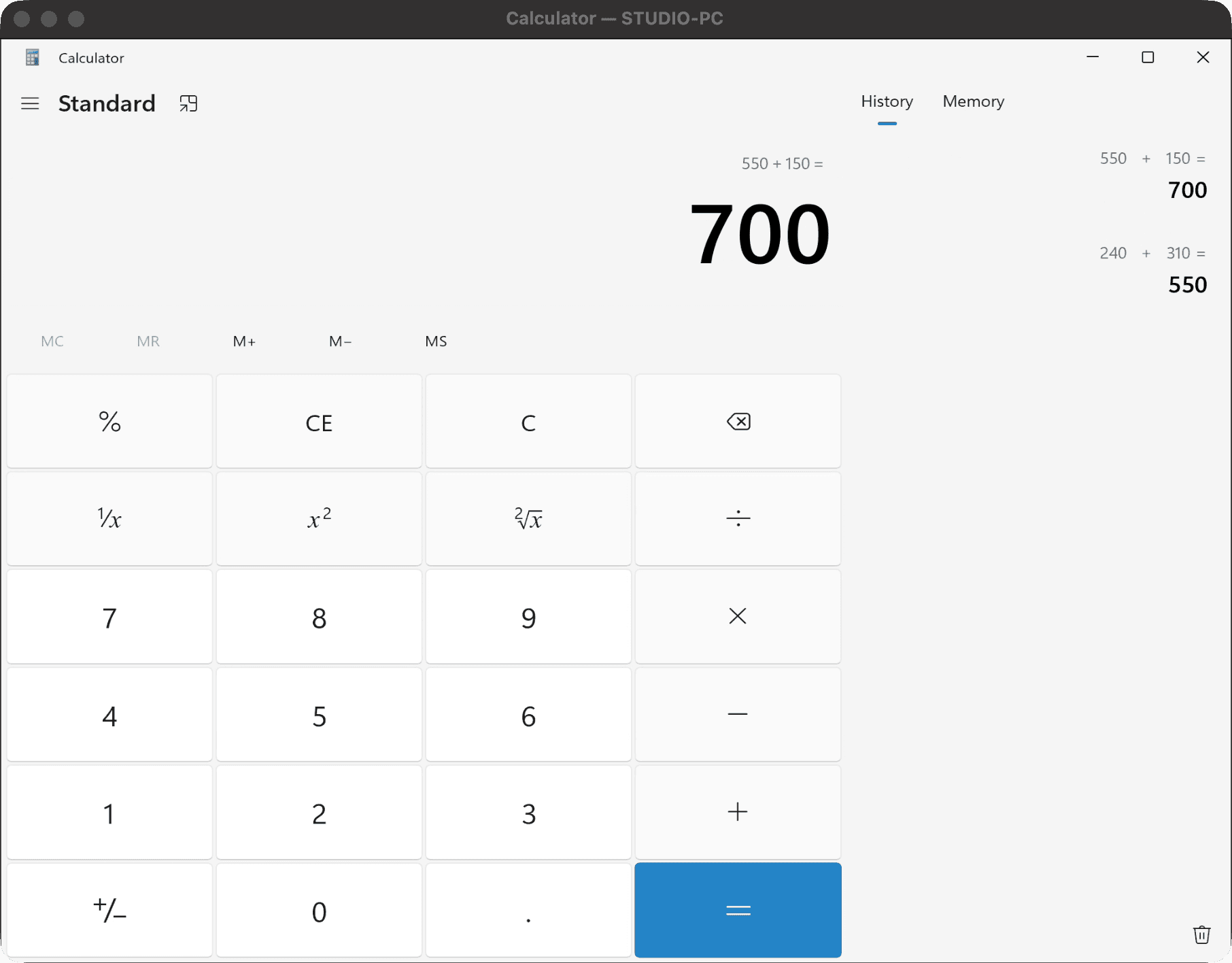
Copy and paste
Text, pictures and files, either way.
Files
Drop a file on the window and it lands in the other computer’s Downloads. Drag one out to bring it here.
What works where.
Sit at any of these, and open windows from any Mac, Windows PC or Linux PC of yours.
| What | Mac | Windows | Linux | Web browserHither Pro |
|---|---|---|---|---|
| An app’s window | Yes | Yes | Yes | Yes |
| Its sound | Yes | Yes | Yes | Yes |
| Keyboard and mouse | Yes | Yes | Yes | Yes |
| Copy and paste | Yes | Yes | Yes | Yes |
| Files, in and out | Yes | Yes | Yes | No |
| A whole screen | From a Mac | No | No | No |
| Move a window across | From a Mac | No | No | No |
At home or away.
On the same network, your computers find each other by themselves. Away from home, they reach each other over the internet, and a private network such as Tailscale is the safest way. With Hither Pro, any web browser works too.
Only you can see your windows.
Everything travels encrypted, end to end. Privacy
Free to start. Fair after that.
Every plan works on all your computers.
Free
- $030 minutes a day
Everything for 14 days. Then 30 minutes a day, across all your computers. It resets at midnight.
Download freeHither Pro
- $7a month
- $59a year
- $149once, for good
No daily limit. Plus your windows in any web browser when you’re away, up to 200 hours a month. Cancel any time; money back within 30 days.
Get Hither ProQuestions.
- Do I need Hither on both computers?
- Yes. Put it on each one and sign in with the same email. They find each other from there.
- Does the other computer have to be on?
- Yes: on, awake and unlocked. A Mac or a Windows PC can keep itself that way while it shares, with one setting.
- Is this a virtual machine?
- No. Nothing but Hither goes on this computer, and the app keeps running on the one it’s already on. Already run Windows in a virtual machine somewhere? Hither brings its windows too.
- Which windows can I open?
- Hither lists the windows open on your other computers. Pick one and it opens here. A Linux PC shares the windows you choose on it.
- Does it work away from home?
- Yes. Your computers reach each other over the internet, by IPv6 or a forwarded port. A private network such as Tailscale is the safest way, and needs no port opened. With Hither Pro, any web browser works too.
- Can I send a folder?
- Files, one at a time. Not folders.
- What happens after 14 days?
- Hither stays free for 30 minutes a day. Hither Pro takes the limit away: $7 a month, $59 a year, or $149 once, for good.
- Can I cancel?
- Any time. And within 30 days of paying, you can have your money back.
Get Hither.
Put it on each computer and sign in with the same email. Keep the other one on, awake and unlocked. Then, in Hither on this computer, pick a window from the other one.
- MacmacOS 14 or laterDownload
- WindowsWindows 10 or 11Download
- LinuxUbuntu with GNOME, on WaylandDownload
For your other computer: open gethither.app/download there, or send yourself the link.